Webflow development
Webflow development in Augsburg: fast websites you can update yourself
You end up with a website that loads fast, looks good on every device and that you update yourself, without an agency.
I work from Königsbrunn near Augsburg: on site in and around Augsburg, otherwise remotely across Germany. More on web design in Augsburg
Free intro call- Webflow
- CMS
- Animations
- SEO
What's included
Fast, animated websites without code overhead. I build responsive sites in Webflow, including CMS and custom interactions, accessible and search-friendly.
- Responsive website development
- CMS setup & content modelling
- Interactions & animations
- Performance optimisation
- SEO & launch support
Selected work
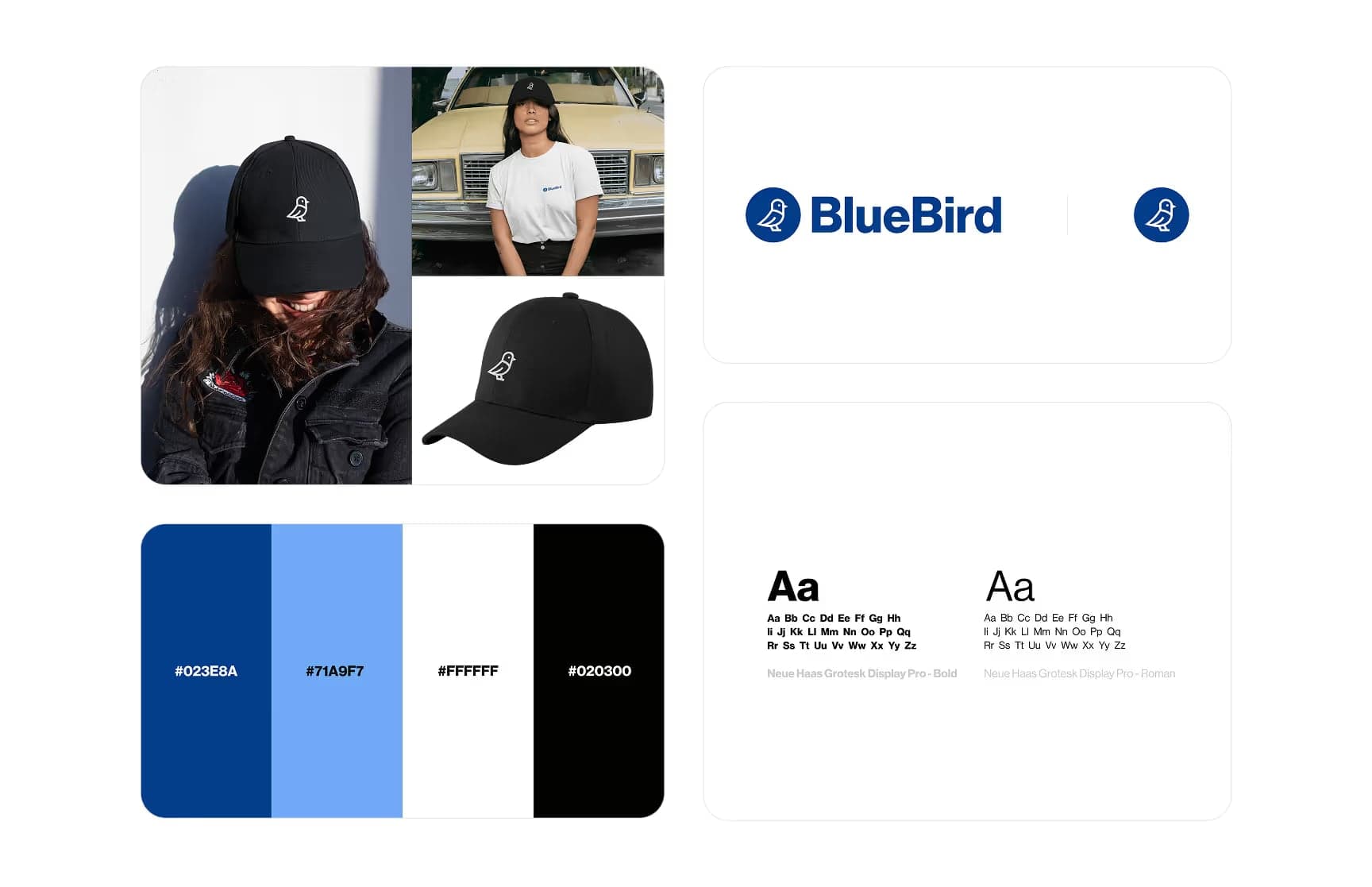
- Web
- No-code
- Bachelor thesis
Webflow vs. Shopify
Can no-code tools deliver professional shops?Read case studyFrom intro call to finished website in 2 to 6 weeks
- Week 1
Step 1: Intro call and structure
We clarify goals, pages and content. The result is a sitemap and a plan for which content you will manage yourself in the CMS.
Typical outputs
- Sitemap
- Content plan
- Timeline
- Weeks 1 to 2
Step 2: Design
I design the pages in Figma or take over an existing design. We sign it off before the build in Webflow begins.
Typical outputs
- Page designs in Figma
- Mobile views
- Sign-off
- Weeks 2 to 4
Step 3: Build in Webflow
I build the site with a clean class system, set up the CMS and use interactions sparingly and with purpose.
Typical outputs
- Responsive website
- CMS collections
- Interactions
- Weeks 4 to 5
Step 4: Polish and testing
I test across devices and browsers, check load time, accessibility and SEO basics, and work in your feedback.
Typical outputs
- Device tests
- SEO settings
- Fixes
- Weeks 5 to 6
Step 5: Launch and training
We go live on your domain. In a short session I show you how to change content yourself.
Typical outputs
- Go-live
- Redirects
- CMS training
A website is more than nice-looking pages.
Responsive build
Your website works equally well on phone, tablet and desktop.
CMS setup
You manage blog, projects or team pages yourself, without code and without calling me.
Purposeful interactions
Animations that support the content and do not slow the page down.
SEO basics
Clean headings, meta data, sitemap and readable URLs from the start.
Performance
Optimised images and a lean build for short load times.
Accessibility
Contrast, keyboard navigation and alt text guided by WCAG.
Packages
Two typical routes. We agree scope and price in the intro call, tailored to your project.
Landing page
For a single page about an offer, a campaign or an event.
- Short briefing
- Design of one page
- Responsive build in Webflow
- Basic SEO settings
- Go-live
Website
For a complete company website with several pages and its own CMS.
- Sitemap and content plan
- Design of all page types
- Webflow build with class system
- CMS for blog, projects or team
- Interactions and animations
- SEO, performance and accessibility
- Launch and training
Why work with me
Built clean, easy to maintain
Clear classes, a tidy structure and a CMS your team can run without me.
One point of contact
You talk to me from the first idea to launch, with no hand-offs and nothing lost in translation.
Honest advice
I tell you openly what is worth doing and what is not, even if that means a smaller job for me.
On site and remote
In and around Augsburg we can meet in person; elsewhere in Germany we work easily over video.
Tools
- Webflow
- Figma
- VS Code
- Claude
Frequently asked questions
All FAQsHow much does a Webflow website cost?
It depends on the number of pages, the CMS and whether a design already exists. After the free intro call you get a concrete quote. On top come the running costs of the Webflow plan.
Why Webflow rather than WordPress?
Webflow takes care of security updates and hosting, and there are no plugins for you to maintain. You edit content directly on the page. WordPress makes sense if you need very specific extensions; we clarify that in the intro call.
Can I update the website myself afterwards?
Yes. You change text, images and CMS content such as blog posts yourself in the Webflow editor. I show you how at launch.
What do I need to provide?
Copy, images, your logo and access to your domain. If copy or images are still missing, we plan for them together so the launch does not stall.
Can you move my existing website to Webflow?
Yes. I migrate the content, set up redirects for old URLs so your rankings are preserved as far as possible, and use the move to improve structure and design.
Related services
Interested in Webflow development?
In a free, no-obligation intro call we work out what you need and how I can help.
Free intro call